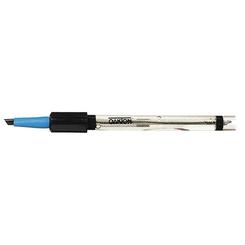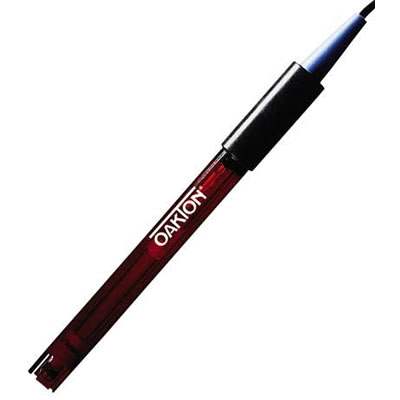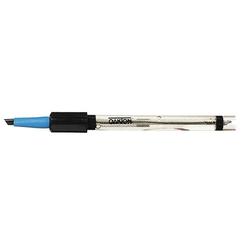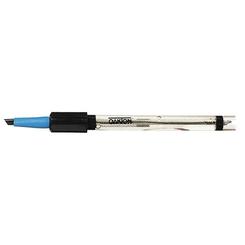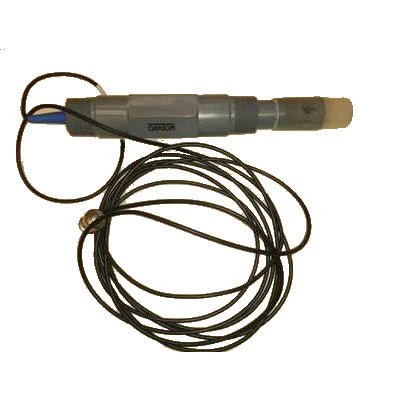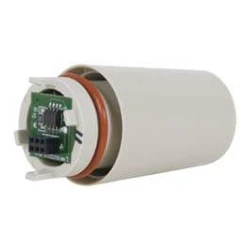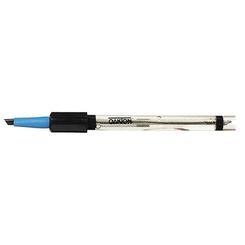
Oakton (WD-35661-08) TDS Tester+ & EC Tester+ Sensor 08 Replacement electrode
Electrode Details
| Model Number | WD-35661-08 |
| Manufacturer | Oakton |
| Sensor Type | Conductivity/TDS electrode |
| Compatible Meters | TDSTestr+ and ECTestr+ series |
| Design | Waterproof construction |
| Application | Water quality testing |
| Replacement Interval | As needed when readings drift |
Electrode Replacement Process
- Remove the protective cap from the new Oakton WD-35661-08 sensor and inspect the electrode surface for damage or debris.
- Unscrew the worn electrode from your TDSTestr+ or ECTestr+ meter by turning counterclockwise, then hand-tighten the new sensor in place.
- Rinse the electrode with distilled water and calibrate your meter according to manufacturer specifications before taking measurements.
- Store the meter with the electrode immersed in storage solution or clean water when not in use to extend sensor life.
Meter Compatibility
This Oakton replacement electrode is engineered specifically for the TDSTestr+ and ECTestr+ waterproof handheld meters. It is not compatible with standard non-plus models or meters from other manufacturers. Verify your meter model before ordering to ensure proper fit and function.
Electrode Details
| Model Number | WD-35661-08 |
| Manufacturer | Oakton |
| Sensor Type | Conductivity/TDS electrode |
| Compatible Meters | TDSTestr+ and ECTestr+ series |
| Design | Waterproof construction |
| Application | Water quality testing |
| Replacement Interval | As needed when readings drift |
Electrode Replacement Process
- Remove the protective cap from the new Oakton WD-35661-08 sensor and inspect the electrode surface for damage or debris.
- Unscrew the worn electrode from your TDSTestr+ or ECTestr+ meter by turning counterclockwise, then hand-tighten the new sensor in place.
- Rinse the electrode with distilled water and calibrate your meter according to manufacturer specifications before taking measurements.
- Store the meter with the electrode immersed in storage solution or clean water when not in use to extend sensor life.
Meter Compatibility
This Oakton replacement electrode is engineered specifically for the TDSTestr+ and ECTestr+ waterproof handheld meters. It is not compatible with standard non-plus models or meters from other manufacturers. Verify your meter model before ordering to ensure proper fit and function.
Description
Electrode Details
| Model Number | WD-35661-08 |
| Manufacturer | Oakton |
| Sensor Type | Conductivity/TDS electrode |
| Compatible Meters | TDSTestr+ and ECTestr+ series |
| Design | Waterproof construction |
| Application | Water quality testing |
| Replacement Interval | As needed when readings drift |
Electrode Replacement Process
- Remove the protective cap from the new Oakton WD-35661-08 sensor and inspect the electrode surface for damage or debris.
- Unscrew the worn electrode from your TDSTestr+ or ECTestr+ meter by turning counterclockwise, then hand-tighten the new sensor in place.
- Rinse the electrode with distilled water and calibrate your meter according to manufacturer specifications before taking measurements.
- Store the meter with the electrode immersed in storage solution or clean water when not in use to extend sensor life.
Meter Compatibility
This Oakton replacement electrode is engineered specifically for the TDSTestr+ and ECTestr+ waterproof handheld meters. It is not compatible with standard non-plus models or meters from other manufacturers. Verify your meter model before ordering to ensure proper fit and function.